
Dark mode
Style for a dark color scheme with the dark: variant, or with tokens that carry both values.
Prefix utilities with dark: to apply them when the app is in dark mode. Toggle it with ui.set_dark(true); the showroom’s sun and moon button does exactly that.
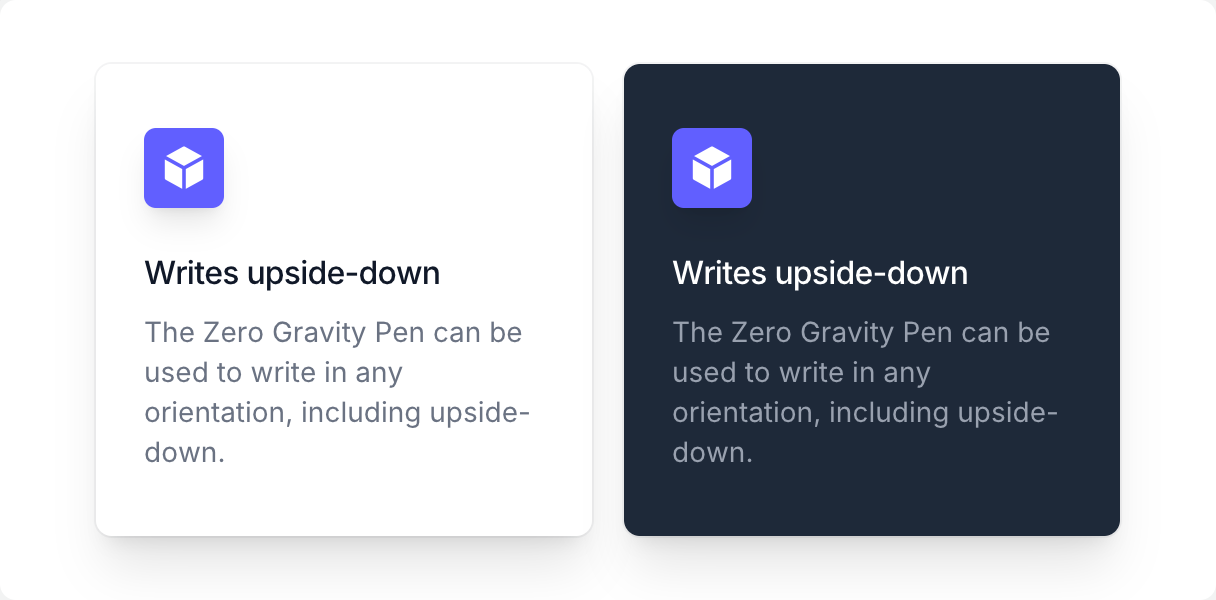
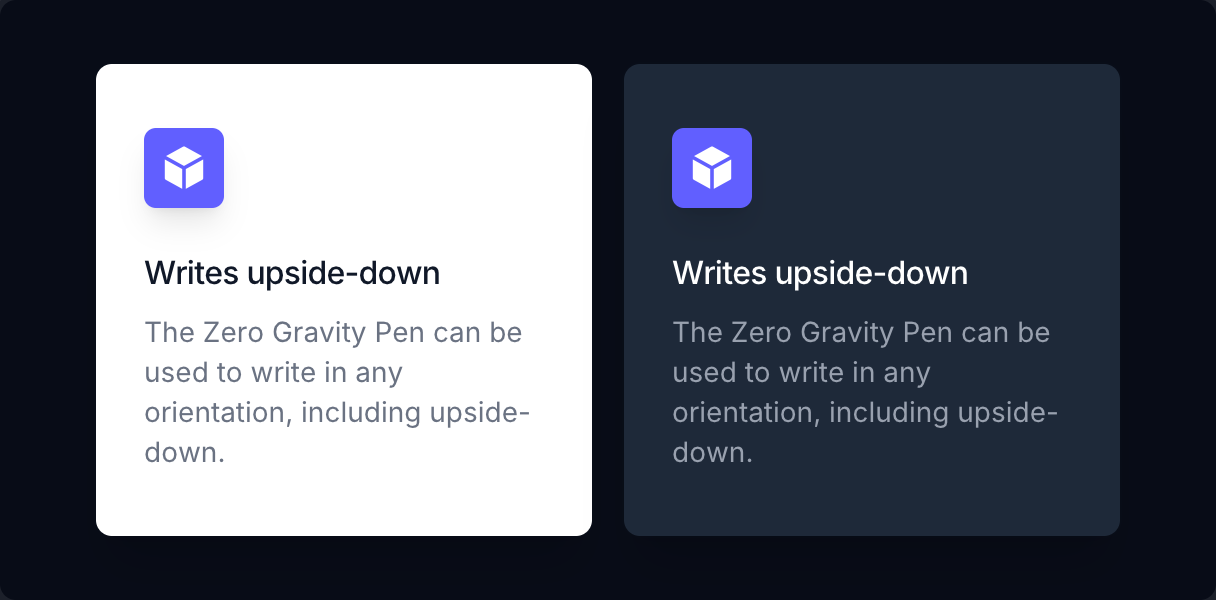
if ui.div("grid w-full max-w-lg grid-cols-2 gap-4") { for dark in ([]bool{false, true}) { ui.key(int(dark)) was := ui.is_dark() ui.set_dark(dark) if ui.div("rounded-lg bg-white px-6 py-8 shadow-xl ring ring-gray-900/5 dark:bg-gray-800") { if ui.div("inline-flex items-center justify-center rounded-md bg-indigo-500 p-2 shadow-lg") { ui.icon(IC.cube, "size-6 text-white") } ui.text("Writes upside-down", "mt-5 text-base font-medium tracking-tight text-gray-900 dark:text-white") ui.text("The Zero Gravity Pen can be used to write in any orientation, including upside-down.", "mt-2 text-sm text-gray-500 dark:text-gray-400") } ui.set_dark(was) }}Semantic tokens
Section titled “Semantic tokens”A token can hold a light and a dark value. The showroom chrome uses tokens such as bg-canvas, text-ink and border-rule, so it needs no dark: variants at all.
ui.theme_set_color(&ctx.theme, "canvas", ui.WHITE, ui.rgb(0x030712))ui.theme_set_color(&ctx.theme, "ink", ui.rgb(0x030712), ui.WHITE)
// later, anywhere:ui.text("Title", "text-ink")          // switches with ui.set_dark()