
display
Utilities for controlling the display box type of an element.
| Class | Effect |
|---|---|
inline |
display: inline; |
block |
display: block; |
inline-block |
display: inline-block; |
flow-root |
display: flow-root; |
flex |
display: flex; |
inline-flex |
display: inline-flex; |
grid |
display: grid; |
inline-grid |
display: inline-grid; |
contents |
display: contents; |
table |
display: table; |
inline-table |
display: inline-table; |
table-caption |
display: table-caption; |
table-cell |
display: table-cell; |
table-column |
display: table-column; |
table-column-group |
display: table-column-group; |
table-footer-group |
display: table-footer-group; |
table-header-group |
display: table-header-group; |
table-row-group |
display: table-row-group; |
table-row |
display: table-row; |
list-item |
display: list-item; |
hidden |
display: none; |
sr-only |
position: absolute; width: 1px; height: 1px; padding: 0; margin: -1px; overflow: hidden; clip-path: inset(50%); white-space: nowrap; border-width: 0; |
not-sr-only |
position: static; width: auto; height: auto; padding: 0; margin: 0; overflow: visible; clip-path: none; white-space: normal; |
Examples
Section titled “Examples”Block and inline
Section titled “Block and inline”Text runs inside ui.p flow inline and wrap together; boxes such as ui.div are block-level and start on their own line.
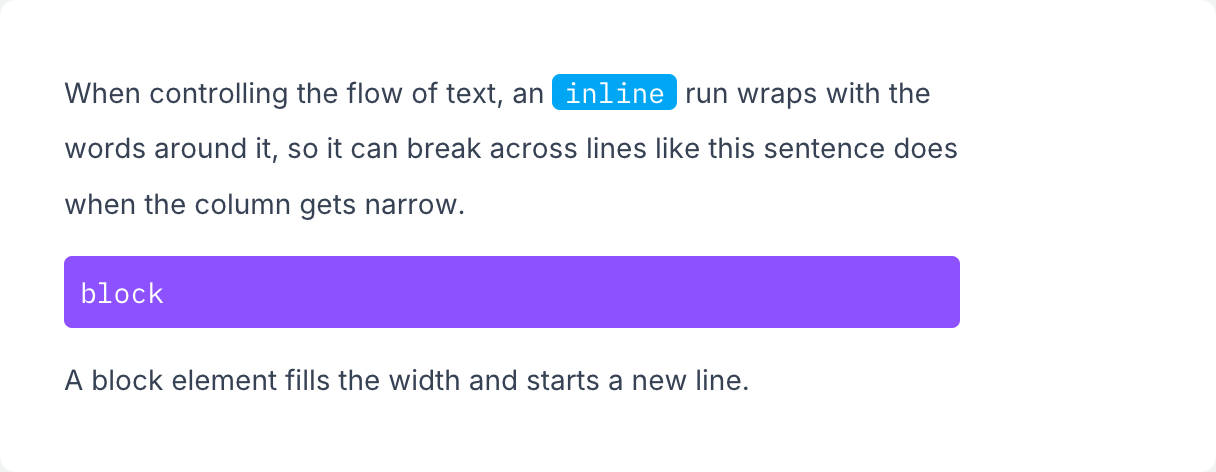
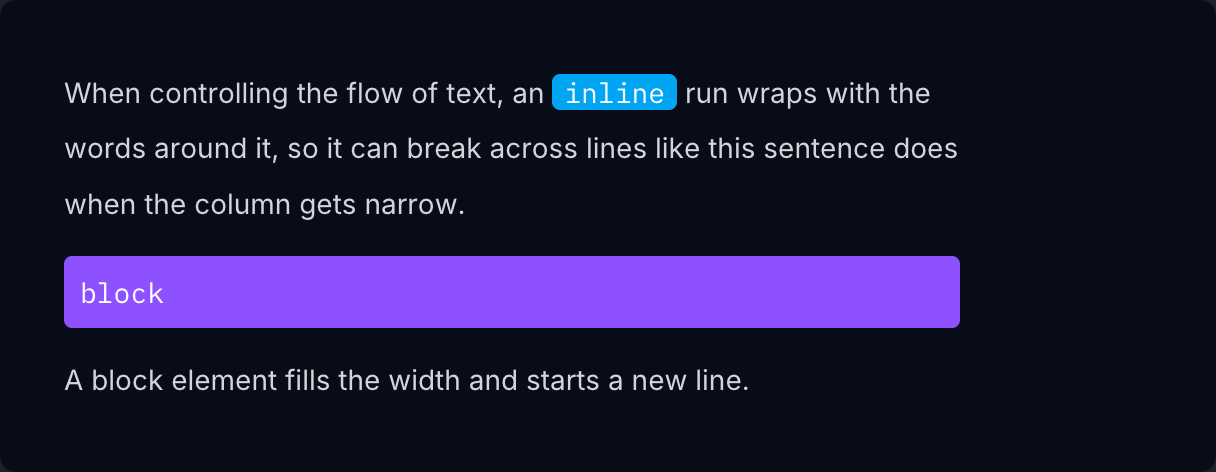
if ui.div("max-w-md text-sm/7 text-gray-700 dark:text-gray-300") { if ui.p() { ui.span("When controlling the flow of text, an ") ui.span("inline", "rounded bg-sky-500 px-1.5 font-mono text-white") ui.span(" run wraps with the words around it, so it can break across lines like this sentence does when the column gets narrow.") } ui.text("block", "mt-3 rounded bg-violet-500 px-2 py-1 font-mono text-white") ui.text("A block element fills the width and starts a new line.", "mt-3")}Flex, grid and hidden
Section titled “Flex, grid and hidden”Use flex and grid to create flex and grid containers, and hidden to remove an element from the layout.


if ui.div("flex items-center gap-4") { tile("01") ui.el("hidden size-14 bg-red-500") tile("02") tile("03")}