
font-size
Utilities for controlling the font size of an element.
| Class | Effect |
|---|---|
text-xs |
font-size: 0.75rem (12px); line-height: calc(1 / 0.75); |
text-sm |
font-size: 0.875rem (14px); line-height: calc(1.25 / 0.875); |
text-base |
font-size: 1rem (16px); line-height: calc(1.5 / 1); |
text-lg |
font-size: 1.125rem (18px); line-height: calc(1.75 / 1.125); |
text-xl |
font-size: 1.25rem (20px); line-height: calc(1.75 / 1.25); |
text-2xl |
font-size: 1.5rem (24px); line-height: calc(2 / 1.5); |
text-3xl |
font-size: 1.875rem (30px); line-height: calc(2.25 / 1.875); |
text-4xl |
font-size: 2.25rem (36px); line-height: calc(2.5 / 2.25); |
text-5xl |
font-size: 3rem (48px); line-height: 1; |
text-6xl |
font-size: 3.75rem (60px); line-height: 1; |
text-7xl |
font-size: 4.5rem (72px); line-height: 1; |
text-8xl |
font-size: 6rem (96px); line-height: 1; |
text-9xl |
font-size: 8rem (128px); line-height: 1; |
text-[<value>] |
font-size: <value>; |
Examples
Section titled “Examples”Basic example
Section titled “Basic example”Use text-sm, text-lg and the rest of the scale. Each size carries a paired line height.
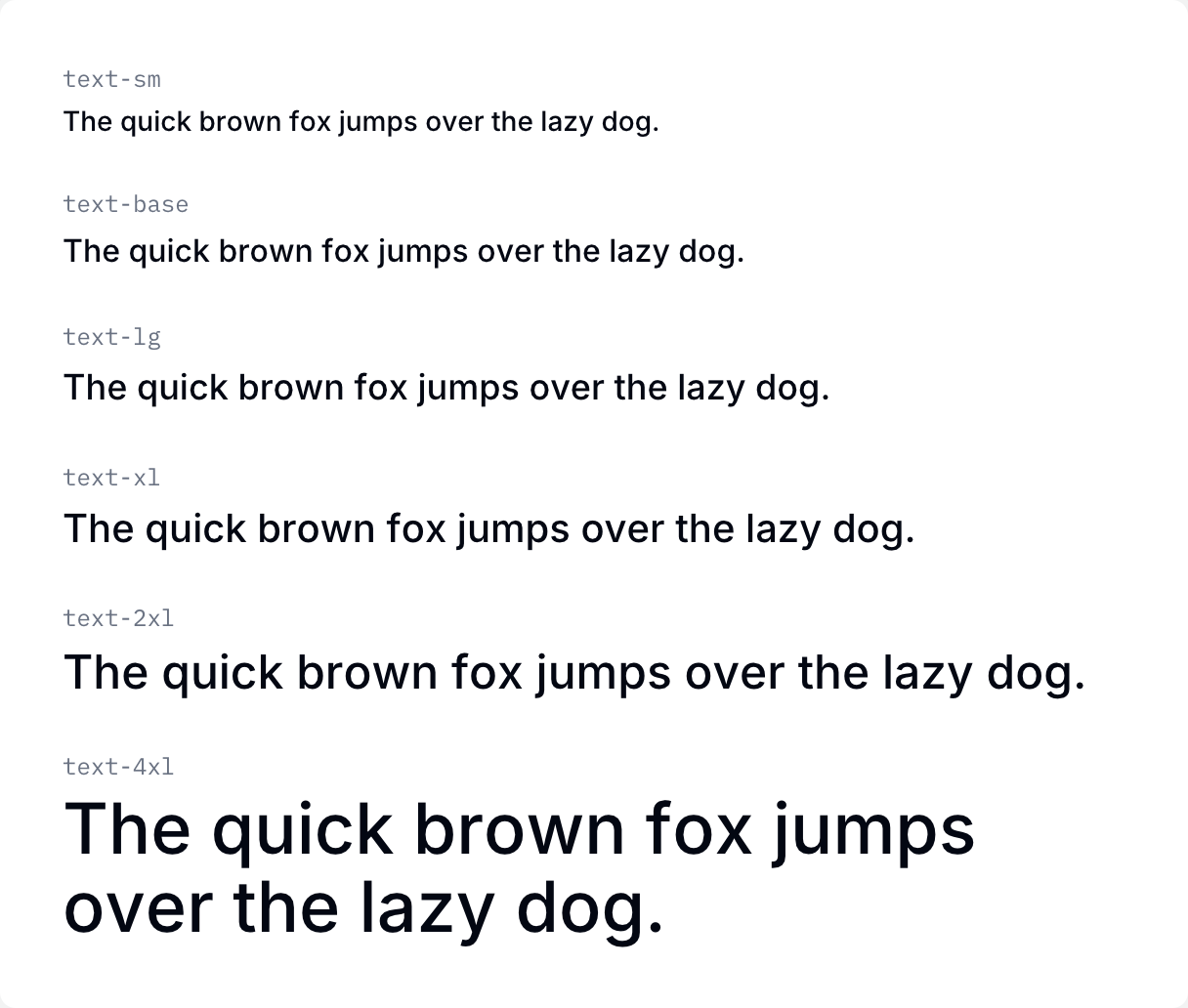
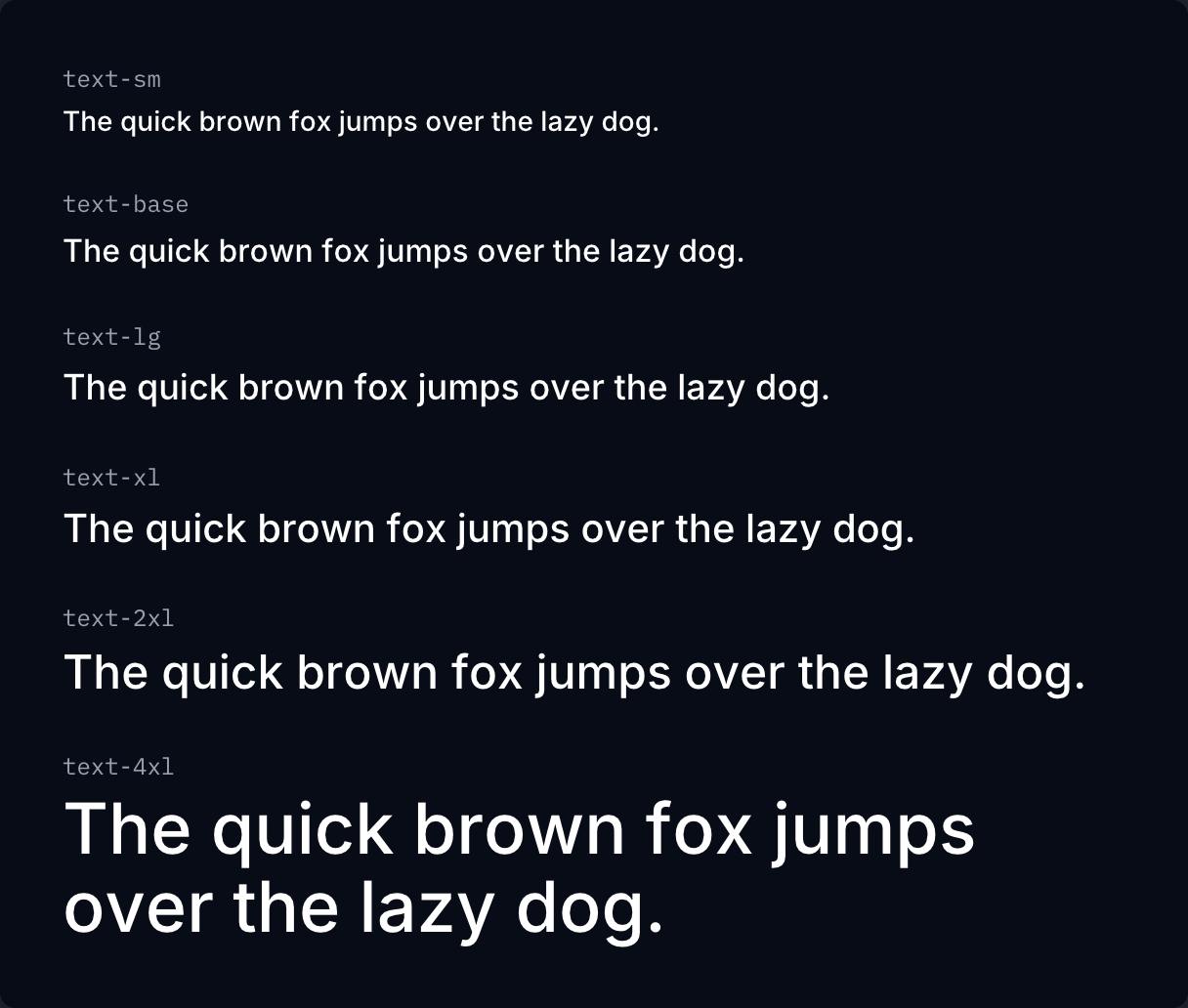
if ui.div("flex flex-col gap-6") { for c in ([]string{"text-sm", "text-base", "text-lg", "text-xl", "text-2xl", "text-4xl"}) { ui.key(c) specimen(c, ui.cx(c, "font-medium")) }}Setting the line height
Section titled “Setting the line height”Add a slash to set size and line height together: text-sm/6, text-base/7.
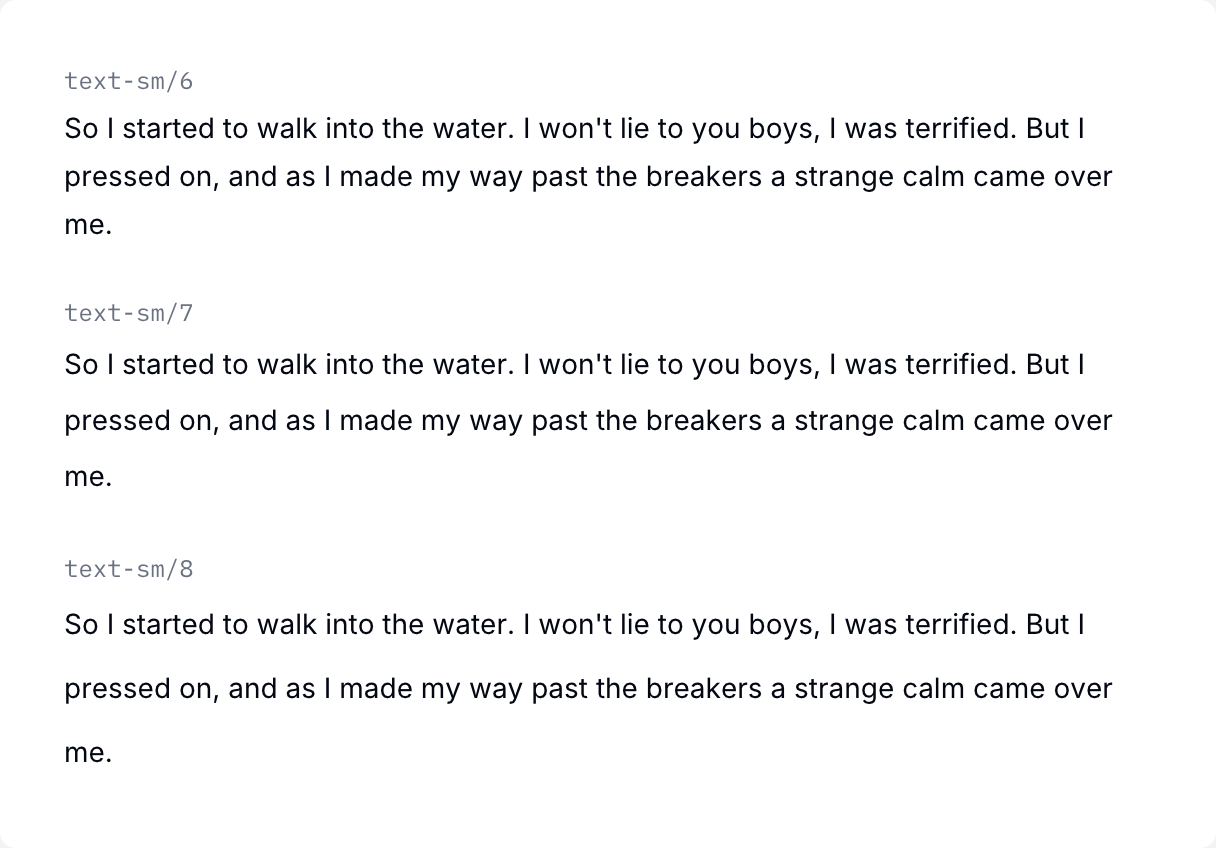

if ui.div("flex flex-col gap-6") { specimen("text-sm/6", "text-sm/6", PROSE) specimen("text-sm/7", "text-sm/7", PROSE) specimen("text-sm/8", "text-sm/8", PROSE)}