
font-weight
Utilities for controlling the font weight of an element.
| Class | Effect |
|---|---|
font-thin |
font-weight: 100; |
font-extralight |
font-weight: 200; |
font-light |
font-weight: 300; |
font-normal |
font-weight: 400; |
font-medium |
font-weight: 500; |
font-semibold |
font-weight: 600; |
font-bold |
font-weight: 700; |
font-extrabold |
font-weight: 800; |
font-black |
font-weight: 900; |
font-[<value>] |
font-weight: <value>; |
Examples
Section titled “Examples”Basic example
Section titled “Basic example”Inter ships every weight from 100 to 900, so font-thin through font-black render with real faces, never synthesized bold.
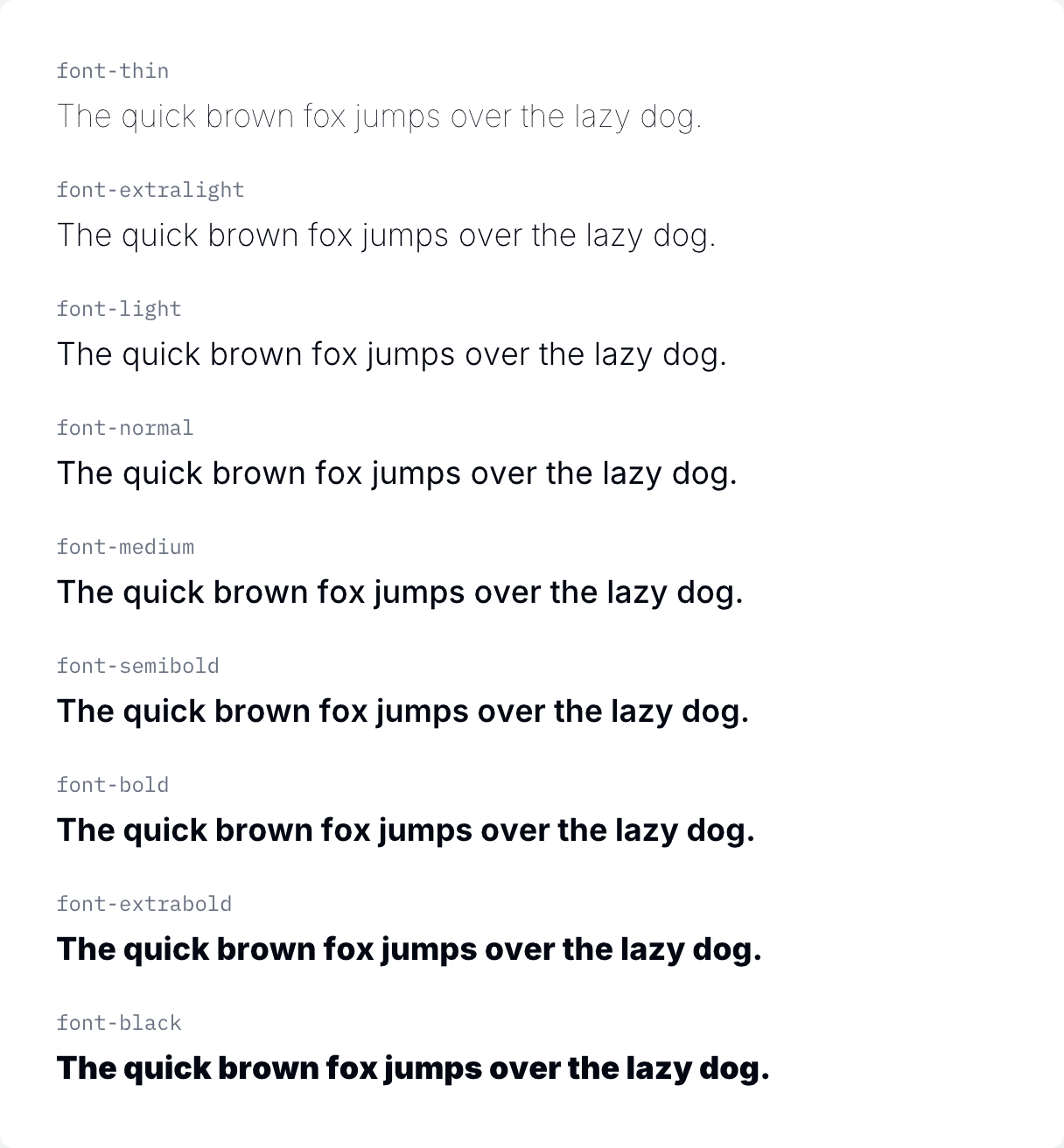
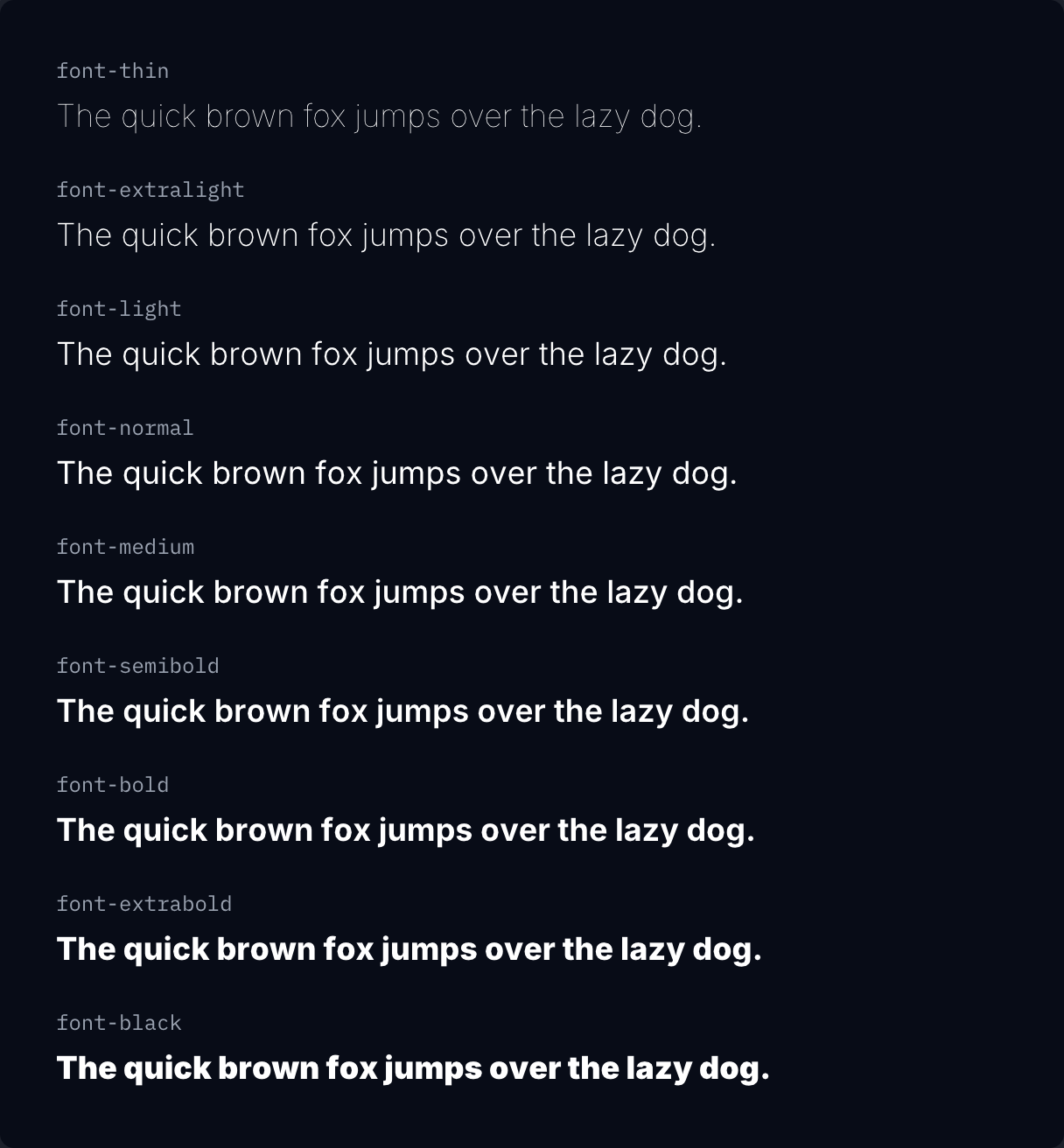
if ui.div("flex flex-col gap-5") { for c in ([]string{"font-thin", "font-extralight", "font-light", "font-normal", "font-medium", "font-semibold", "font-bold", "font-extrabold", "font-black"}) { ui.key(c) specimen(c, ui.cx(c, "text-lg")) }}