
position
Utilities for controlling how an element is positioned in the document.
| Class | Effect |
|---|---|
static |
position: static; |
fixed |
position: fixed; |
absolute |
position: absolute; |
relative |
position: relative; |
sticky |
position: sticky; |
Examples
Section titled “Examples”Relative and absolute
Section titled “Relative and absolute”Use relative to make an element the reference for its absolute children.
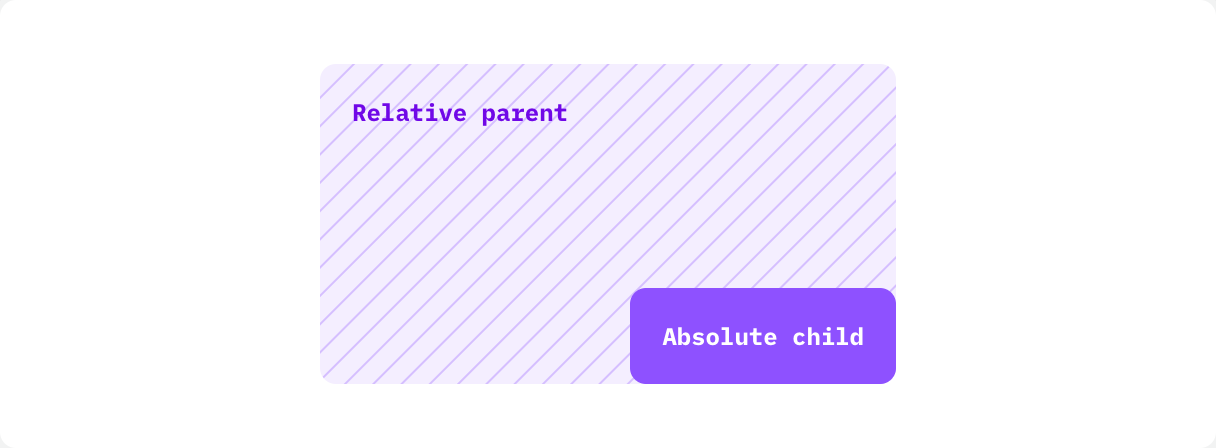
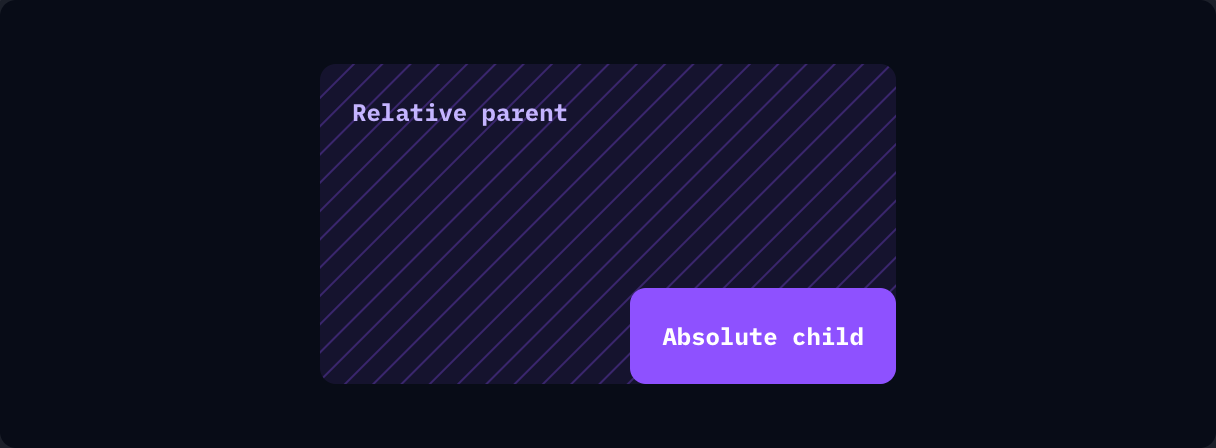
if ui.div("relative h-40 w-72 rounded-lg bg-stripes stripes-violet-500/30 bg-violet-500/10 p-4") { ui.text("Relative parent", "font-mono text-xs font-bold text-violet-700 dark:text-violet-300") if ui.div("absolute right-0 bottom-0 rounded-lg bg-violet-500 p-4") { ui.text("Absolute child", "font-mono text-xs font-bold text-white") }}Use fixed to position an element relative to the window. The search palette and the mobile navigation drawer in this app are fixed overlays.