
width
Utilities for setting the width of an element.
| Class | Effect |
|---|---|
w-<number> |
width: calc(var(--spacing) * <number>); |
w-<fraction> |
width: calc(<fraction> * 100%); |
w-3xs |
width: 16rem (256px); |
w-2xs |
width: 18rem (288px); |
w-xs |
width: 20rem (320px); |
w-sm |
width: 24rem (384px); |
w-md |
width: 28rem (448px); |
w-lg |
width: 32rem (512px); |
w-xl |
width: 36rem (576px); |
w-2xl |
width: 42rem (672px); |
w-3xl |
width: 48rem (768px); |
w-4xl |
width: 56rem (896px); |
w-5xl |
width: 64rem (1024px); |
w-6xl |
width: 72rem (1152px); |
w-7xl |
width: 80rem (1280px); |
w-auto |
width: auto; |
w-px |
width: 1px; |
w-full |
width: 100%; |
w-screen |
width: 100vw; |
w-dvw |
width: 100dvw; |
w-dvh |
width: 100dvh; |
w-lvw |
width: 100lvw; |
w-lvh |
width: 100lvh; |
w-svw |
width: 100svw; |
w-svh |
width: 100svh; |
w-min |
width: min-content; |
w-max |
width: max-content; |
w-fit |
width: fit-content; |
w-[<value>] |
width: <value>; |
size-<number> |
width: calc(var(--spacing) * <number>); height: calc(var(--spacing) * <number>); |
size-<fraction> |
width: calc(<fraction> * 100%); height: calc(<fraction> * 100%); |
size-auto |
width: auto; height: auto; |
size-px |
width: 1px; height: 1px; |
size-full |
width: 100%; height: 100%; |
size-dvw |
width: 100dvw; height: 100dvw; |
size-dvh |
width: 100dvh; height: 100dvh; |
size-lvw |
width: 100lvw; height: 100lvw; |
size-lvh |
width: 100lvh; height: 100lvh; |
size-svw |
width: 100svw; height: 100svw; |
size-svh |
width: 100svh; height: 100svh; |
size-min |
width: min-content; height: min-content; |
size-max |
width: max-content; height: max-content; |
size-fit |
width: fit-content; height: fit-content; |
size-[<value>] |
width: <value>; height: <value>; |
Examples
Section titled “Examples”Basic example
Section titled “Basic example”Use w-<number> to set a fixed width from the spacing scale.
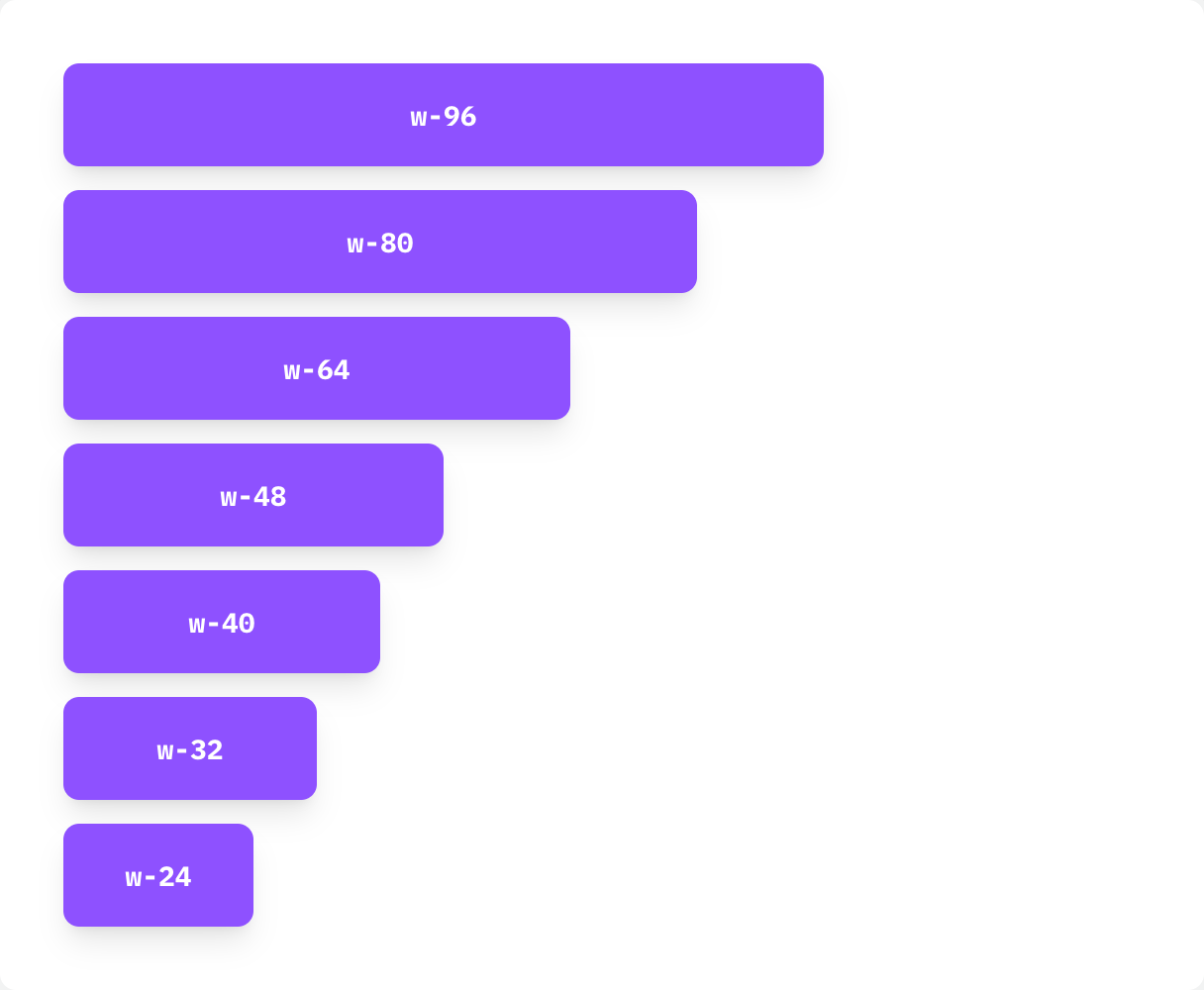
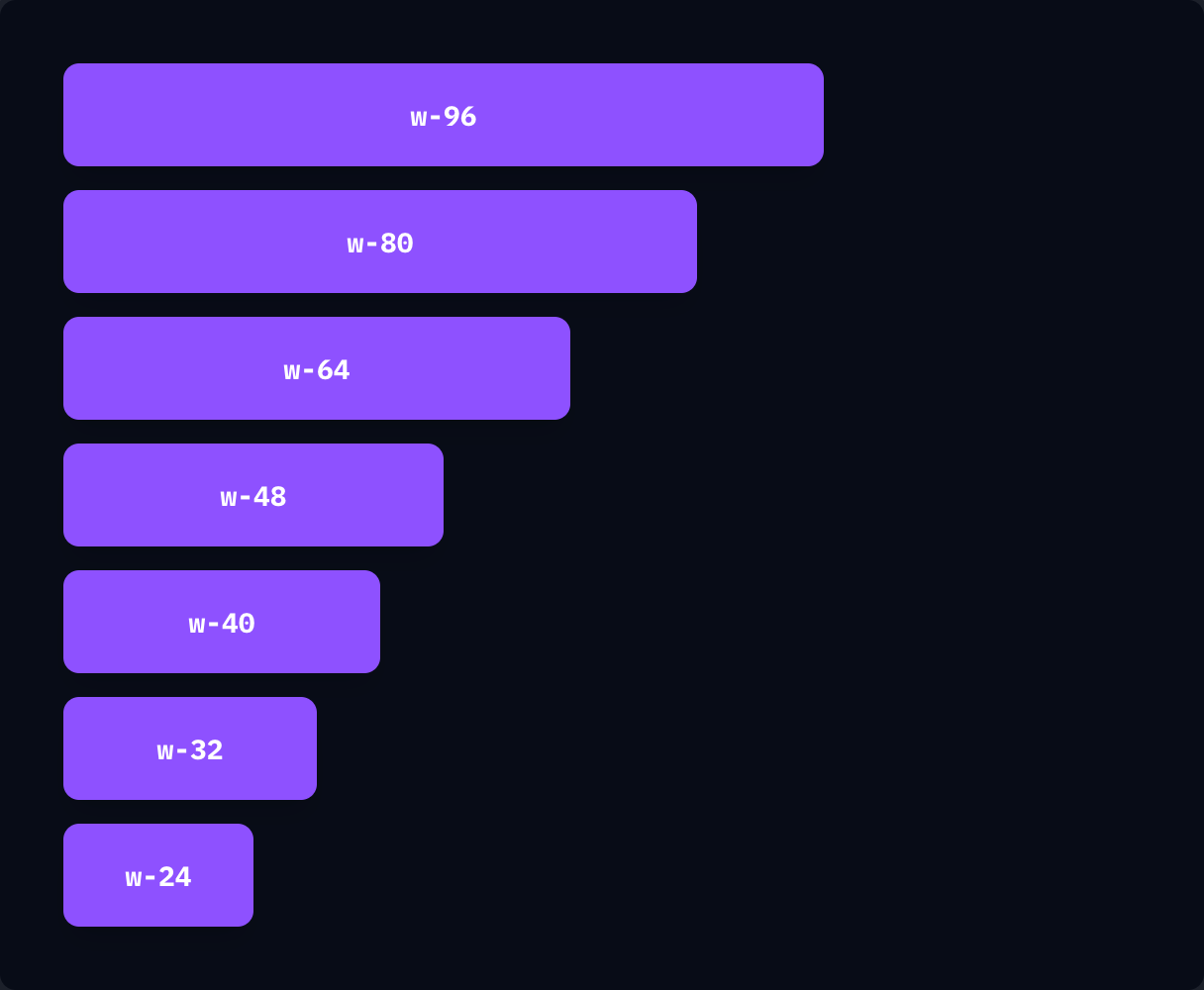
if ui.div("flex flex-col gap-3") { for w in ([]string{"w-96", "w-80", "w-64", "w-48", "w-40", "w-32", "w-24"}) { ui.key(w) tile(w, w) }}Using a percentage
Section titled “Using a percentage”Use fractions like w-1/2 and w-2/5, or w-full.
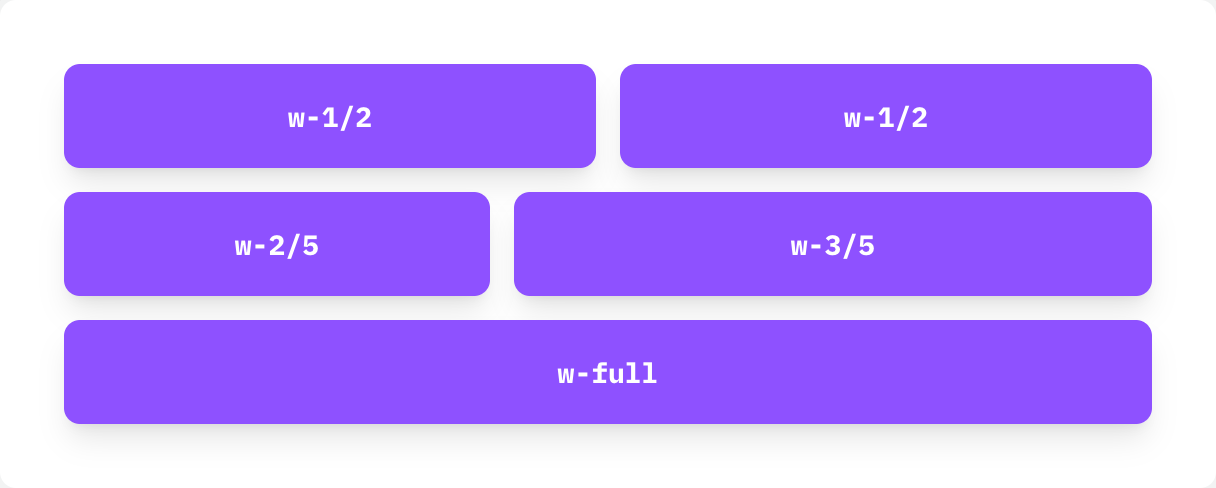
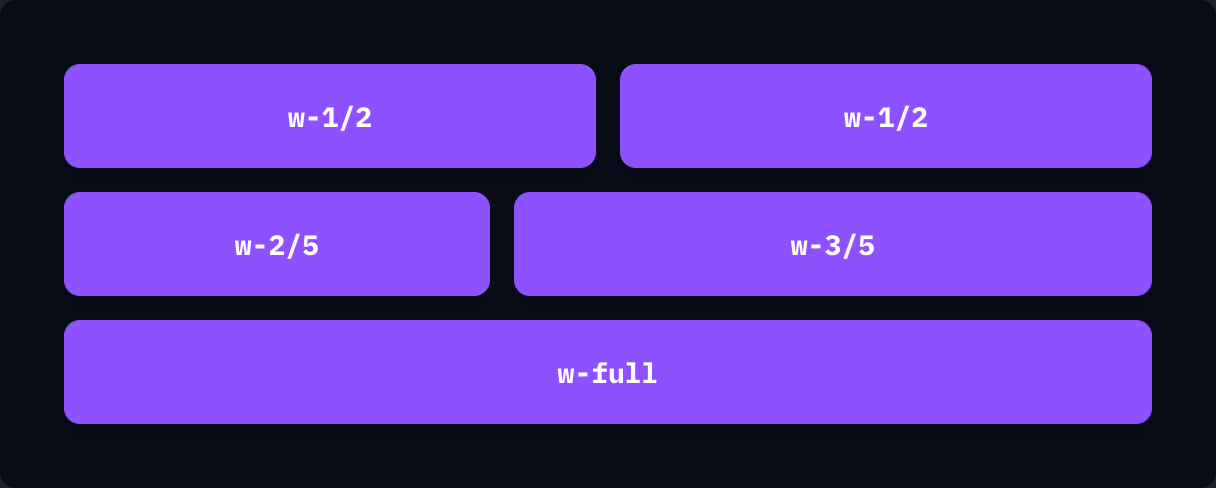
if ui.div("flex flex-col gap-3") { if ui.div("flex gap-3") { tile("w-1/2", "w-1/2") tile("w-1/2", "w-1/2") } if ui.div("flex gap-3") { tile("w-2/5", "w-2/5") tile("w-3/5", "w-3/5") } tile("w-full", "w-full")}Setting both width and height
Section titled “Setting both width and height”Use size-<number> to set width and height together.
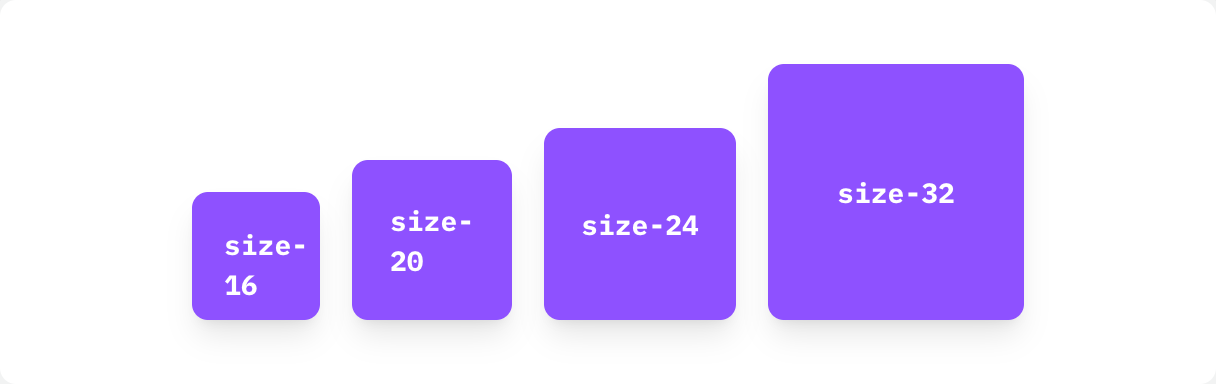
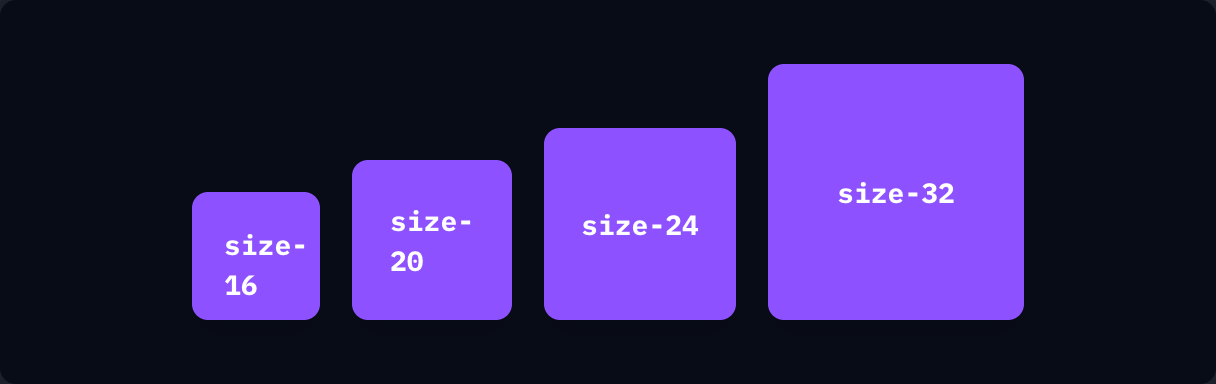
if ui.div("flex items-end gap-4") { for c in ([]string{"size-16", "size-20", "size-24", "size-32"}) { ui.key(c) tile(c, c) }}