
object-position
Utilities for controlling how a replaced element’s content should be positioned within its container.
| Class | Effect |
|---|---|
object-top-left |
object-position: top left; |
object-top |
object-position: top; |
object-top-right |
object-position: top right; |
object-left |
object-position: left; |
object-center |
object-position: center; |
object-right |
object-position: right; |
object-bottom-left |
object-position: bottom left; |
object-bottom |
object-position: bottom; |
object-bottom-right |
object-position: bottom right; |
object-[<value>] |
object-position: <value>; |
Examples
Section titled “Examples”Basic example
Section titled “Basic example”Use object-top-left, object-center, object-bottom-right and friends to choose which part of a covered image stays visible.
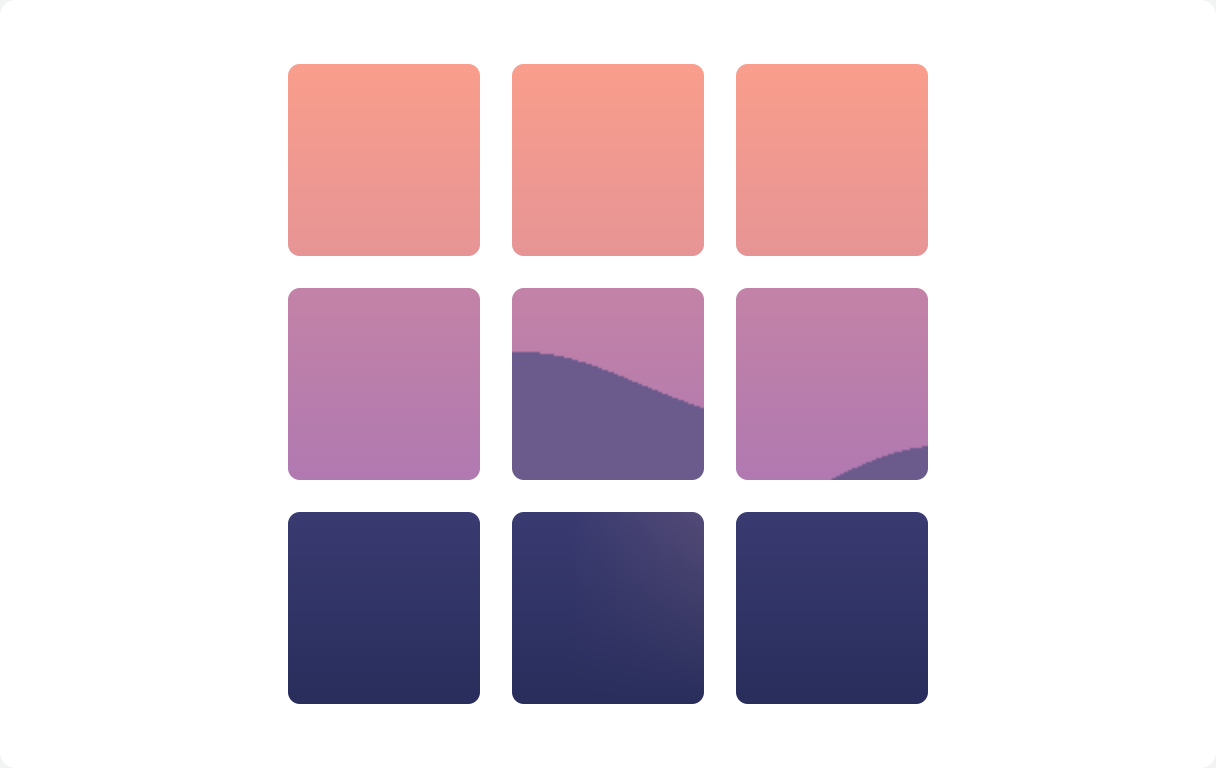
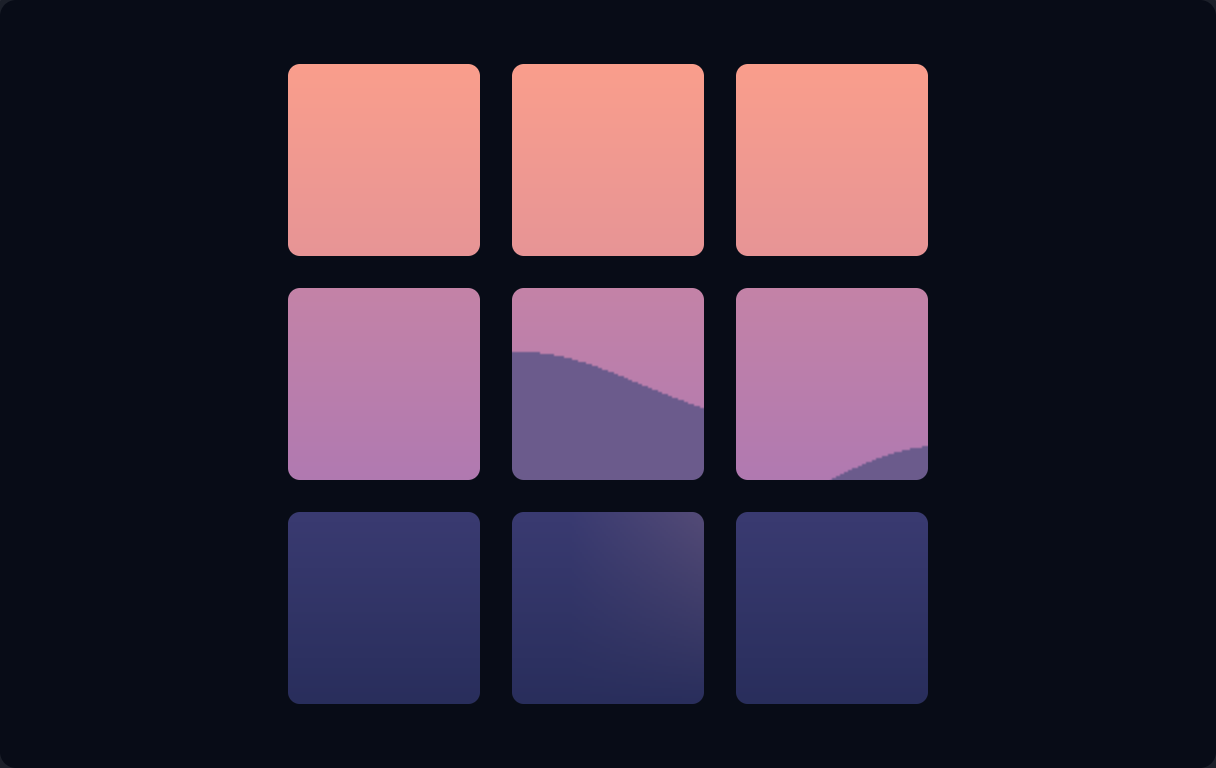
if ui.div("grid grid-cols-3 gap-4") { for c in ([]string{"object-top-left", "object-top", "object-top-right", "object-left", "object-center", "object-right", "object-bottom-left", "object-bottom", "object-bottom-right"}) { ui.key(c) ui.image(DEMO_IMAGE, ui.cx("size-24 rounded-md bg-gray-200 object-none dark:bg-white/5", c)) }}