
opacity
Utilities for controlling the opacity of an element.
| Class | Effect |
|---|---|
opacity-<number> |
opacity: <number>%; |
opacity-[<value>] |
opacity: <value>; |
Examples
Section titled “Examples”Basic example
Section titled “Basic example”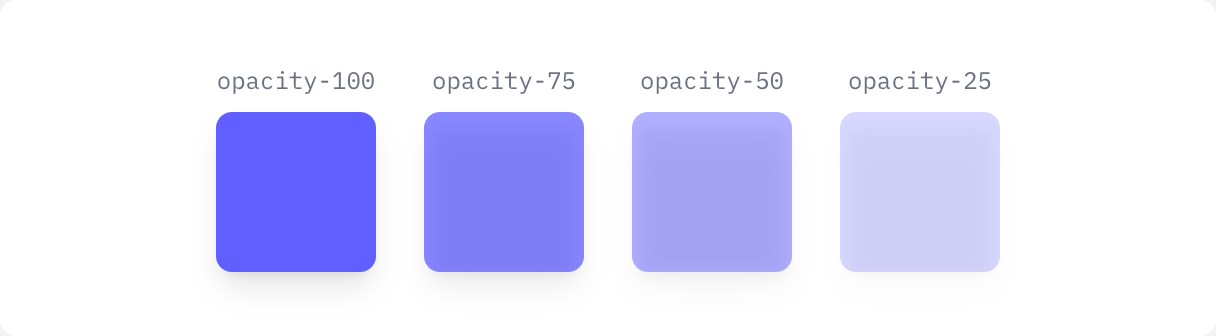
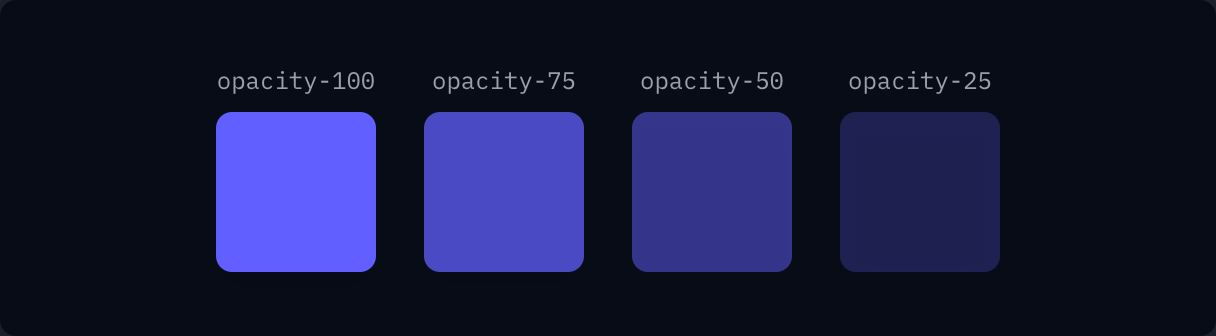
if ui.div("flex gap-6") { for c in ([]string{"opacity-100", "opacity-75", "opacity-50", "opacity-25"}) { ui.key(c) if ui.div("flex flex-col items-center gap-2") { ui.text(c, "font-mono text-xs text-gray-500 dark:text-gray-400") ui.el(ui.cx("size-20 rounded-lg bg-indigo-500 shadow-lg", c)) } }}Disabled state
Section titled “Disabled state”

ui.button("Disabled", "rounded-md bg-indigo-500 px-4 py-2 text-sm font-semibold text-white disabled:opacity-50 disabled:cursor-not-allowed", {.Disabled})